Subscribe For Free Updates!

We'll not spam mate! We promise.

0
Learning MS-DOS Basics - A Tutorial

                                                                           This tutorial gives you an opportunity to try basic MS-DOS co...

Read more »

0
Viewing the Contents of a Directory(MS-DOS)

In this section, you will view the contents of a directory by using the dir command. The dir command stands for " directory ....

Read more »

0
Copying Files(MS-DOS)

                                                                              This section describes how to copy a single file and a gro...

Read more »

0
Deleting Files(MS-DOS)

                                                                              This section explains how to delete, or remove, a file tha...

Read more »

0
Renaming Files(MS-DOS)

                                                                 This section explains how to rename files. You may want to rename a fil...

Read more »

0
Changing Drives(MS-DOS)

                                                                                   This section describes how to change drives. Changing...

Read more »

0
Changing Back to the Root Directory(MS-DOS)

                                                                      Next, you will change from the DOS directory to the root directory...
Read more »

0
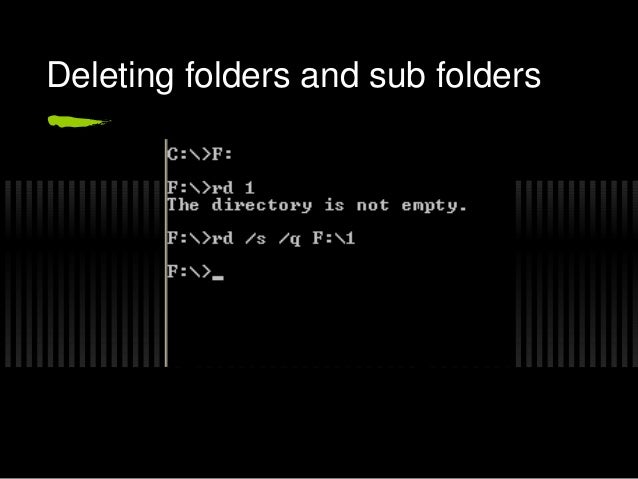
Deleting a Directory(MS-DOS)

                                                                           If you no longer use a particular directory, you may want to ...

Read more »

0
Creating a Directory(MS-DOS)

In this section, you will create two directories. Creating a directory is helpful if you want to organize related files into groups to...

Read more »

0
Changing Directories(MS-DOS)

Look at the list on your screen. All the names that have <DIR> beside them are directories. You can see a list of the files in...

Read more »
 
 
Top